A sponsor changes its logo. The venue moves the registration desk. A short offer replaces the original headline. These changes may look small on a screen, but they can create an expensive handoff problem when a pop-up A-frame banner is already being prepared for production.
The safest response is not to rush a new file straight to the factory. Treat the change as a controlled recovery: identify what changed, freeze the message, rebuild the proof, confirm the physical display, and send one clearly approved version into production.
This guide is for event planners, print resellers, display companies, and brand teams who need a practical way to protect a deadline without sacrificing what people will actually see at the venue.
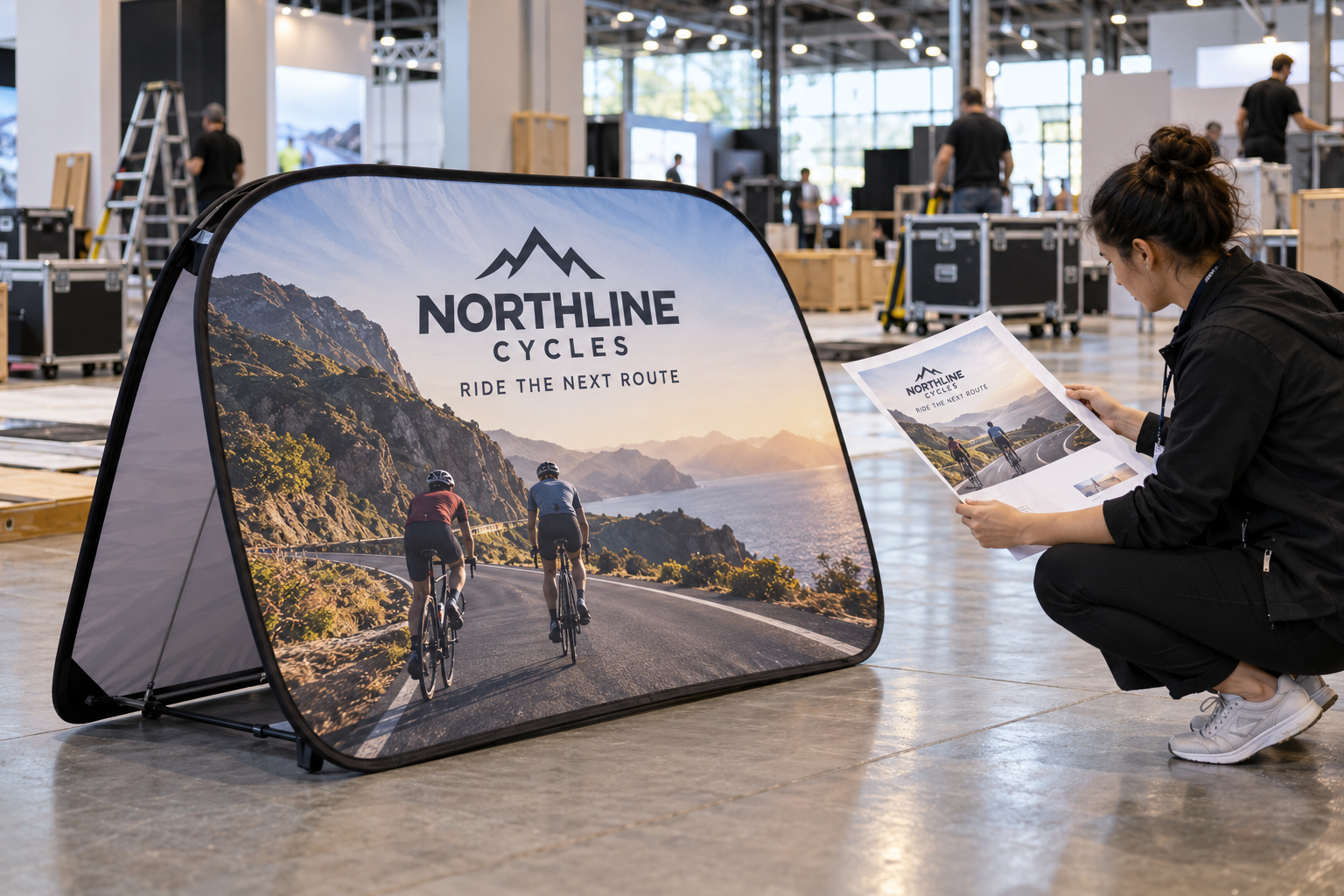
First, separate the real change from the noise
Late requests often arrive as a stream of messages: “make the logo bigger,” “use the new sponsor lockup,” “move it nearer the entrance,” or “can we add one more line?” Do not treat every message as a design instruction. First convert the conversation into a short change record.
Write down five items:
- the exact customer-facing message that must remain;
- the logo, sponsor, or product image that was replaced;
- the display location and the direction from which visitors will approach;
- the deadline for artwork approval, production, dispatch, and venue delivery;
- the person who has authority to approve the final proof.
This step prevents a common failure: the production team receives a visually polished file while the event team is still debating the wording. A pop-up A-frame banner can be custom printed and used in event, retail, sports, and promotional environments, but the display cannot resolve an unsettled message for you. The message has to be decided before the artwork is released.
Step 1: freeze one message before rebuilding the file
When time is tight, reduce the front of the display to one job. It may be to identify a sponsor, direct people to registration, announce a product trial, or create a branded photo point. Choose one primary action and make every visible element support it.
A useful decision rule is:
- keep the brand or event identifier large enough to recognize at a walking distance;
- keep the offer or instruction short enough to understand before someone passes the display;
- move supporting details to a QR code, handout, staff conversation, or another owned page;
- remove copy that is only present because it appeared in the first draft.
This is not a recommendation to make every design minimal. It is a recommendation to make the hierarchy intentional. If the late change adds a second sponsor or a second call to action, ask whether the banner is still doing one job. If it is not, split the roles across separate placements or confirm which message has priority.
Step 2: check the change against the physical format
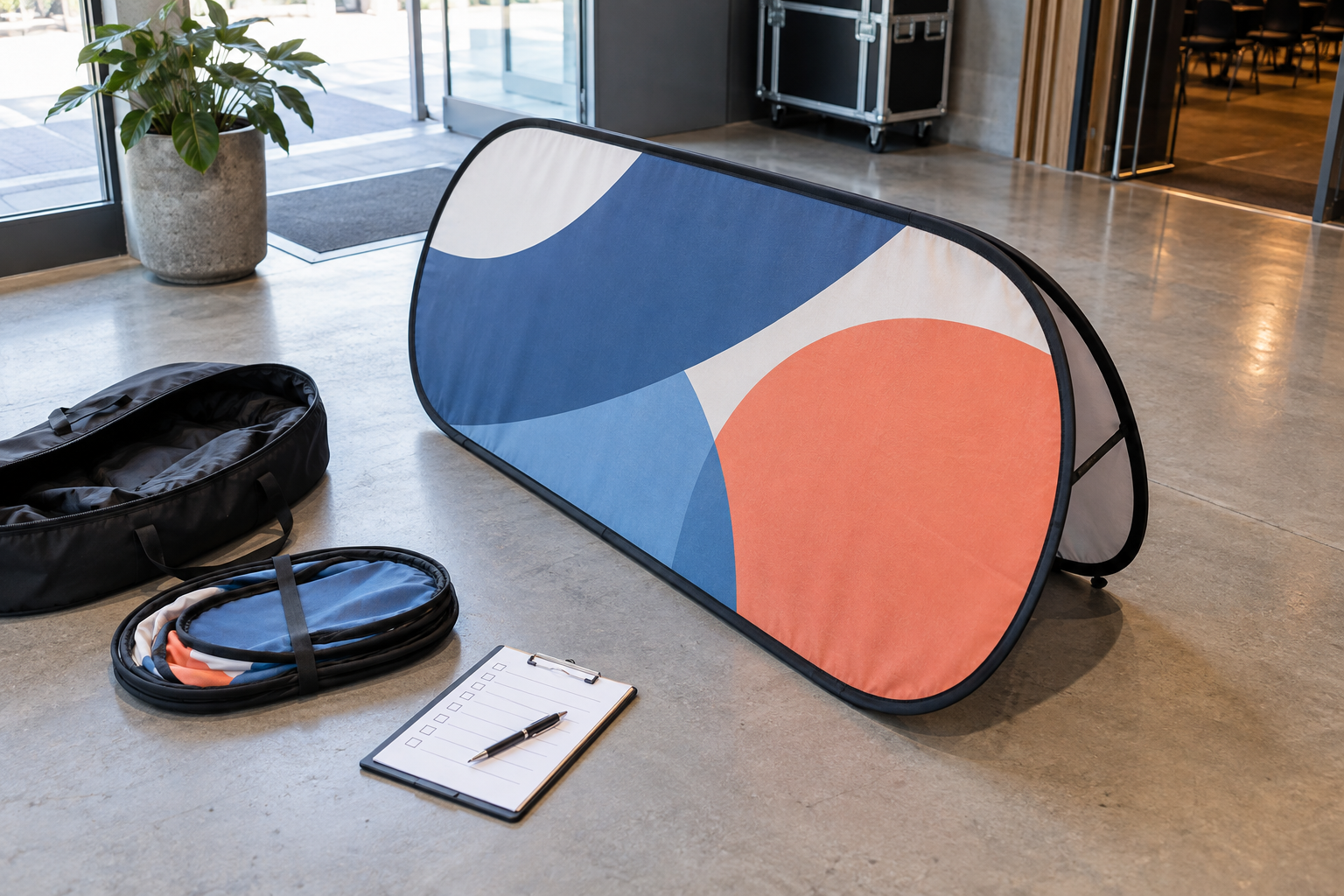
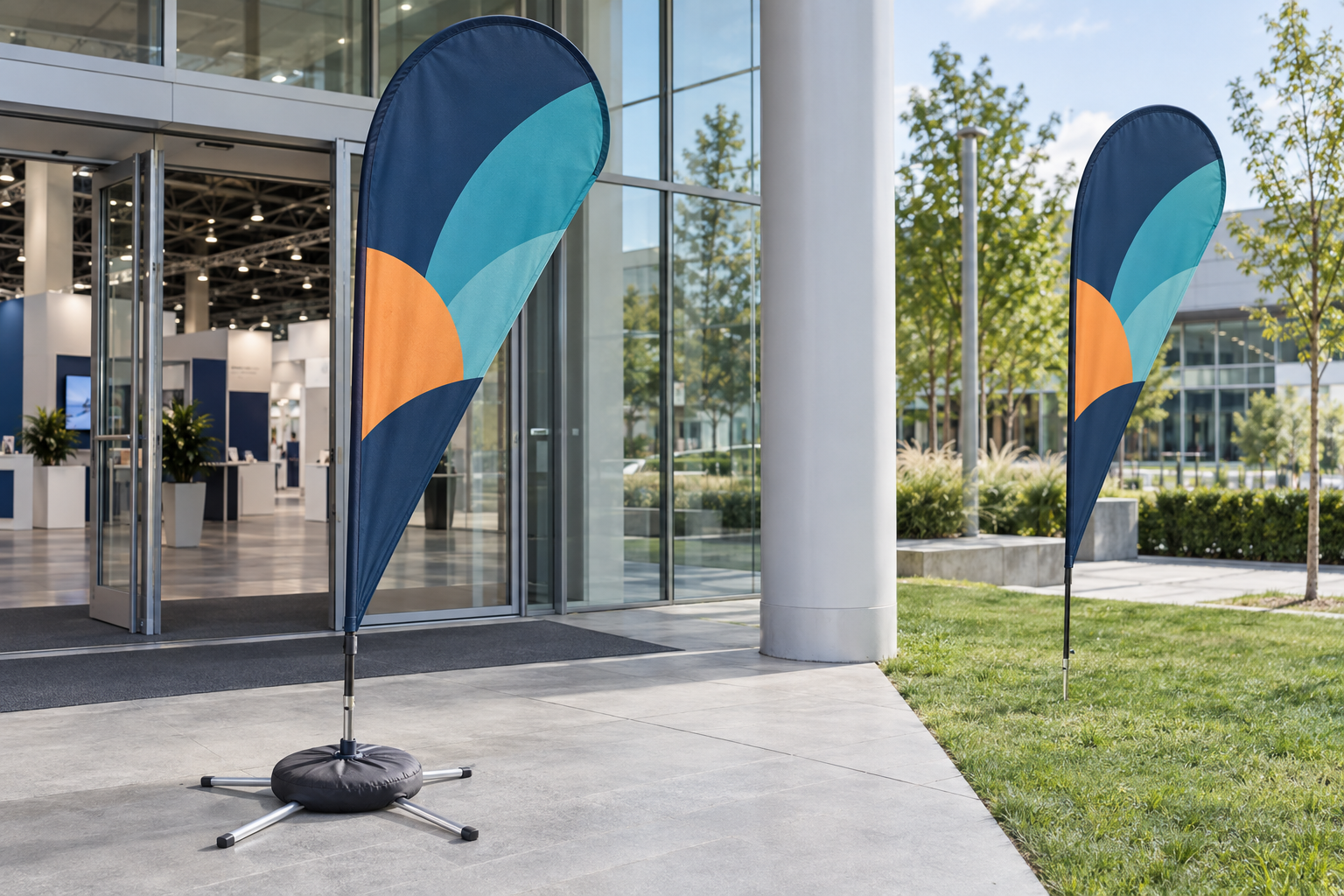
A late artwork change is also a format check. Vancke’s current pop-up A-frame range includes horizontal, vertical, and circular formats. The shape changes how much room the message has and how quickly people can read it. A line that works comfortably on a wide horizontal layout may feel cramped on a vertical or circular display.
Before approving the new file, inspect the design at the intended size and ask:
- Does the main identifier remain clear when the whole display is viewed from several steps away?
- Are important words placed away from the frame edge, seams, and any area that may become harder to read when the fabric is tensioned?
- Does the image still make sense if the display is approached from the side rather than straight on?
- Will the wording remain useful if the banner is reused at another event?
Use the product page for the available style and size context, then send the actual event requirement with the artwork. The goal is not to make the design fit a theoretical template; it is to make the final display fit the buyer’s real location and viewing path.
Review the Pop Up A-Frame Banner formats and product details before locking the revised brief.
Step 3: rebuild the proof, not just the headline
Replacing a logo or line of copy can shift the entire visual balance. A larger sponsor mark may push a headline toward the edge. A longer event name may reduce the readable size of the main message. A new photo may introduce a dark area behind text. Re-export the complete proof instead of sending a loose replacement element with instructions to “swap it in.”
The proof should show the customer-facing artwork as it will be reviewed, plus enough context to make the decision unambiguous. Include the product shape, the direction of the design, the latest customer logo, the final wording, and the intended use. If both sides carry different messages, show both sides and label them clearly.
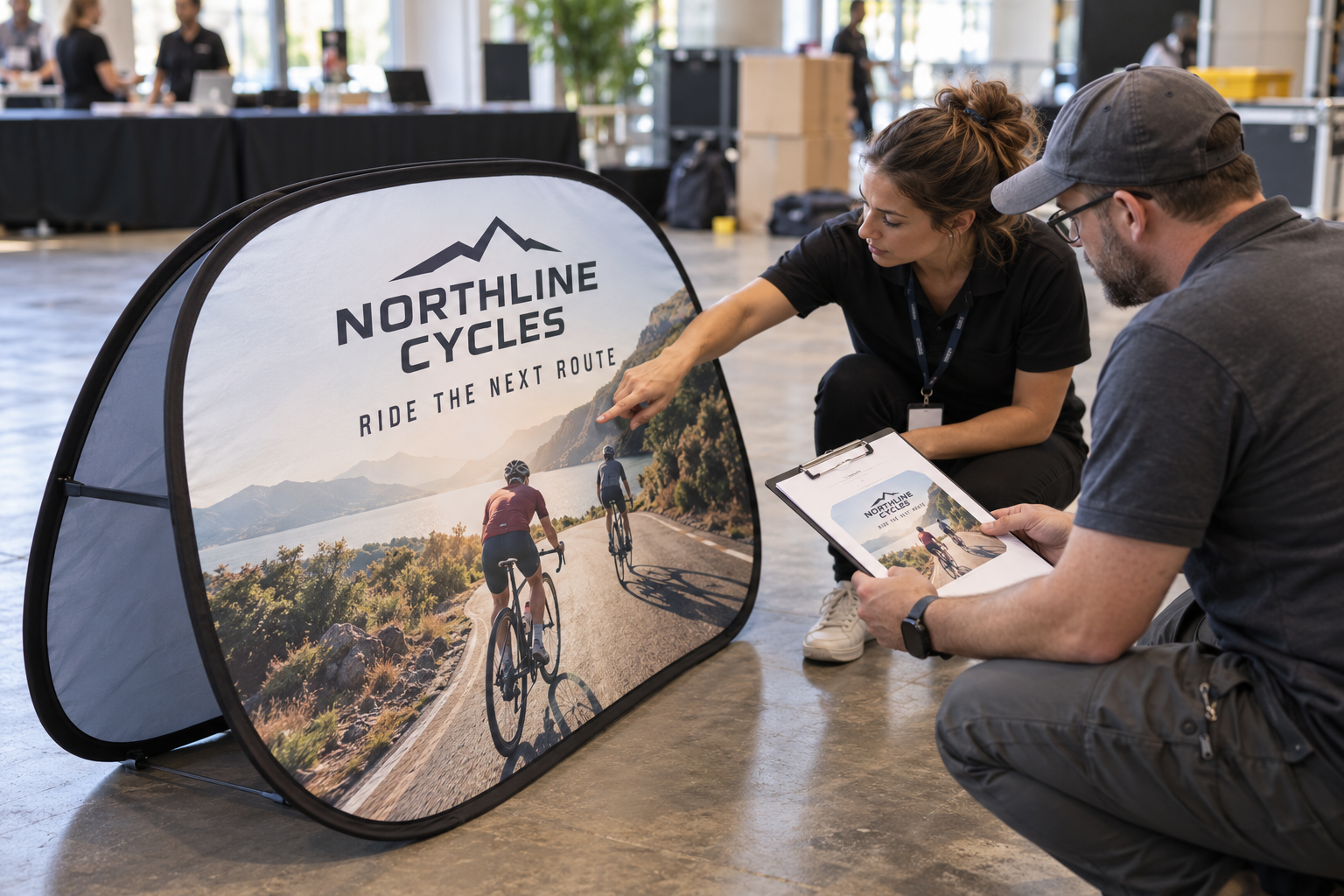
For print setup, keep the production file and the proof aligned. Adobe’s current Illustrator guidance explains how to define bleed and add printer’s marks when a file needs them. Use the requirements agreed with the supplier and the actual template for the chosen format; do not assume that a generic bleed value or an old file is correct for every job.
See Adobe’s guide to printer’s marks and bleeds when preparing or checking the production artwork.
Step 4: make approval specific and traceable
“Looks good” is not a safe production instruction when several versions exist. Ask the approver to confirm the exact version and the exact scope of approval. A useful approval note includes the file name or revision, the displayed wording, the logo version, the selected size and shape, and the date of approval.
Vancke describes an artwork-proof step before production. Use that step as a real control point, not as a formality. If the event team changes the wording after approval, the previous approval should no longer be treated as permission to print the old file. Mark the old version as superseded, issue one revised proof, and ask for one new approval.
For a reseller or production partner, this record protects both sides. It shows which customer instruction was used and reduces the chance that an outdated email attachment is mistaken for the final artwork. It also gives the buyer a clear place to look when the event team asks, “Which version did we approve?”
Step 5: review the handoff as an event operation
The banner is not finished when the file is approved. The handoff must also cover what arrives, where it will be used, and who checks it. Vancke’s product information describes a portable pop-up display with custom printed fabric, a folding frame, a carry bag, and ground pegs for relevant outdoor use. Confirm the actual configuration for the order rather than relying on a generic assumption.
At minimum, pass these details to the person receiving the shipment:
- the event name, delivery address, receiving hours, and contact;
- the display location and the direction of visitor traffic;
- whether the placement is indoors, on grass, or on another surface;
- the latest approved artwork reference;
- the expected contents of the shipment and the first setup check.
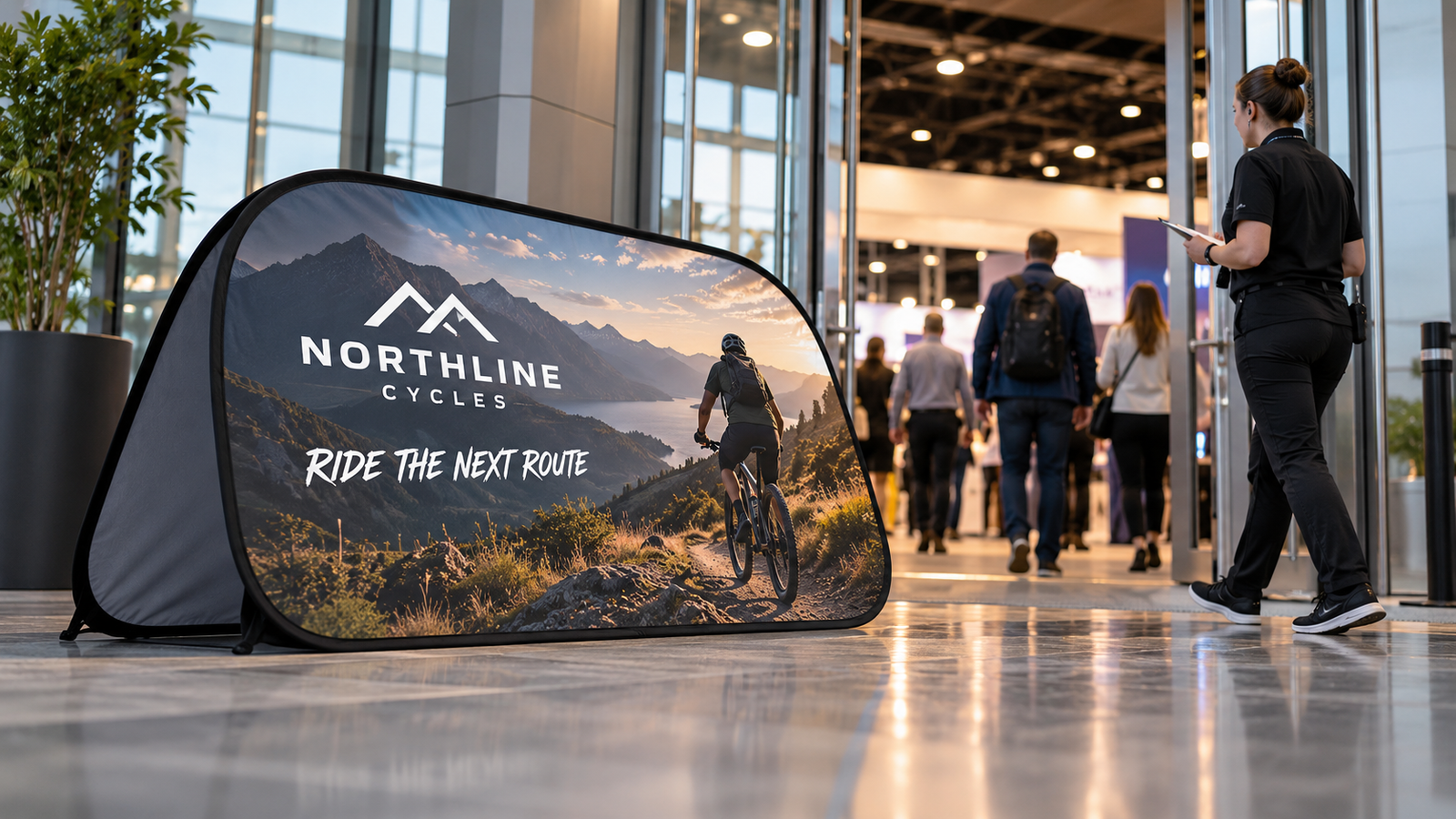
For an indoor venue, check the available floor area, nearby doors, registration furniture, and the walking path. For an outdoor location, confirm the surface and the method used to keep the display stable. A quick venue check can reveal that the approved design is visible only from the wrong direction, or that the planned placement blocks the message with a table or queue.
A five-minute recovery checklist
When the change arrives close to the deadline, use this sequence:
- Record the change. Name the new message, logo, image, location, and deadline.
- Choose the priority. Decide what a passerby must understand first.
- Check the format. Confirm the horizontal, vertical, or circular layout and the intended viewing direction.
- Rebuild the complete proof. Do not send only a replacement element.
- Check production requirements. Use the current template and supplier instructions for size, bleed, and finishing.
- Get one explicit approval. Record the revision and retire earlier versions.
- Brief the receiver. Include venue access, surface, location, display contents, and the first setup check.
This sequence is deliberately simple. Its value is that it converts a rushed creative request into a controlled handoff that a buyer, designer, supplier, and venue team can all understand.
When to ask for help instead of guessing
If the customer has a low-resolution logo, an uncertain size, or a message that keeps changing, do not hide the uncertainty inside the production file. Ask for the missing decision. Vancke’s free design service is intended for customers who need help preparing artwork and a proof before production. Give the design team the event context, the preferred display format, the final wording, and the deadline instead of sending a folder of conflicting versions.
Request a free design and quote from Vancke with the revised brief and the date the display must be ready.
For a reseller or event agency, that request is more useful when it includes the buyer’s actual constraint: “the sponsor lockup changed,” “the venue moved the entrance,” or “the banner must work from this queue direction.” A clear constraint helps the proof answer the real problem rather than merely producing another attractive mockup.
Final takeaway
Late event changes do not automatically require a failed order. They require a stricter version of the normal process. Freeze the message, test it against the physical format, rebuild the full proof, record one approval, and hand the display off with venue instructions. A portable pop-up A-frame banner can be quick to deploy, but the customer-facing result still depends on the decisions made before the carrying bag reaches the event.
If your artwork has changed and you need a revised production brief, send Vancke the current logo, final message, display format, venue surface, delivery deadline, and the old proof you want replaced. That gives the inquiry a clear starting point and makes the next approval easier to verify.